Customer engagement
Organize permission-based contacts, send approved business updates, and assign follow-up ownership.
Permission-based updates + lead workspaceSolutions by team and operating goal
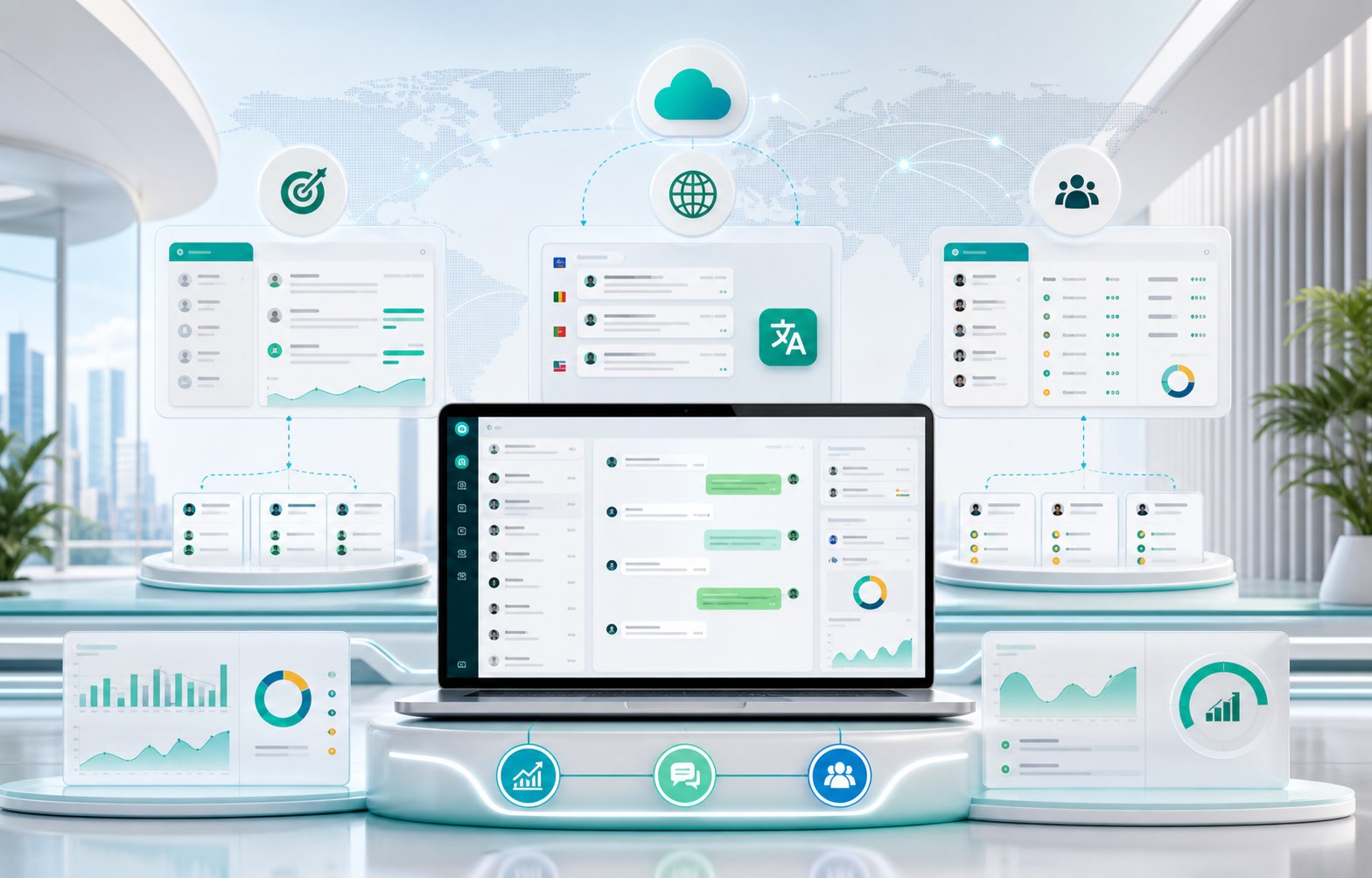
Choose a playbook based on your team structure or biggest operating bottleneck. Each solution connects authorized accounts, operator ownership, permission-based customer conversations, translation, and daily execution.
Explore by capability
Start with the capability creating the biggest improvement today, then connect the rest as your workflow grows.
Centralize account status, tasks, and daily operations.
Organize accounts, groups, status, and ownership.
Assign, hand off, and review customer conversations.
Keep multilingual conversations inside the same workflow.
Connected capabilities
Use authorized accounts, permission-based contacts, manager visibility, and direct human handoff in one operating workspace.
Organize permission-based contacts, send approved business updates, and assign follow-up ownership.
Permission-based updates + lead workspaceCombine approved rules, saved text and image replies, and a shared content library with human review.
Rules-based replies + saved repliesMaintain authorized business profile details and standard operating materials from one controlled workflow.
Profile controls + content librarySchedule account health reviews and transfer work ownership cleanly when roles or shifts change.
Account care + workspace continuityIndustry playbooks
Every playbook below explains the operating challenge, recommended process, and GoCloud capabilities that support it.
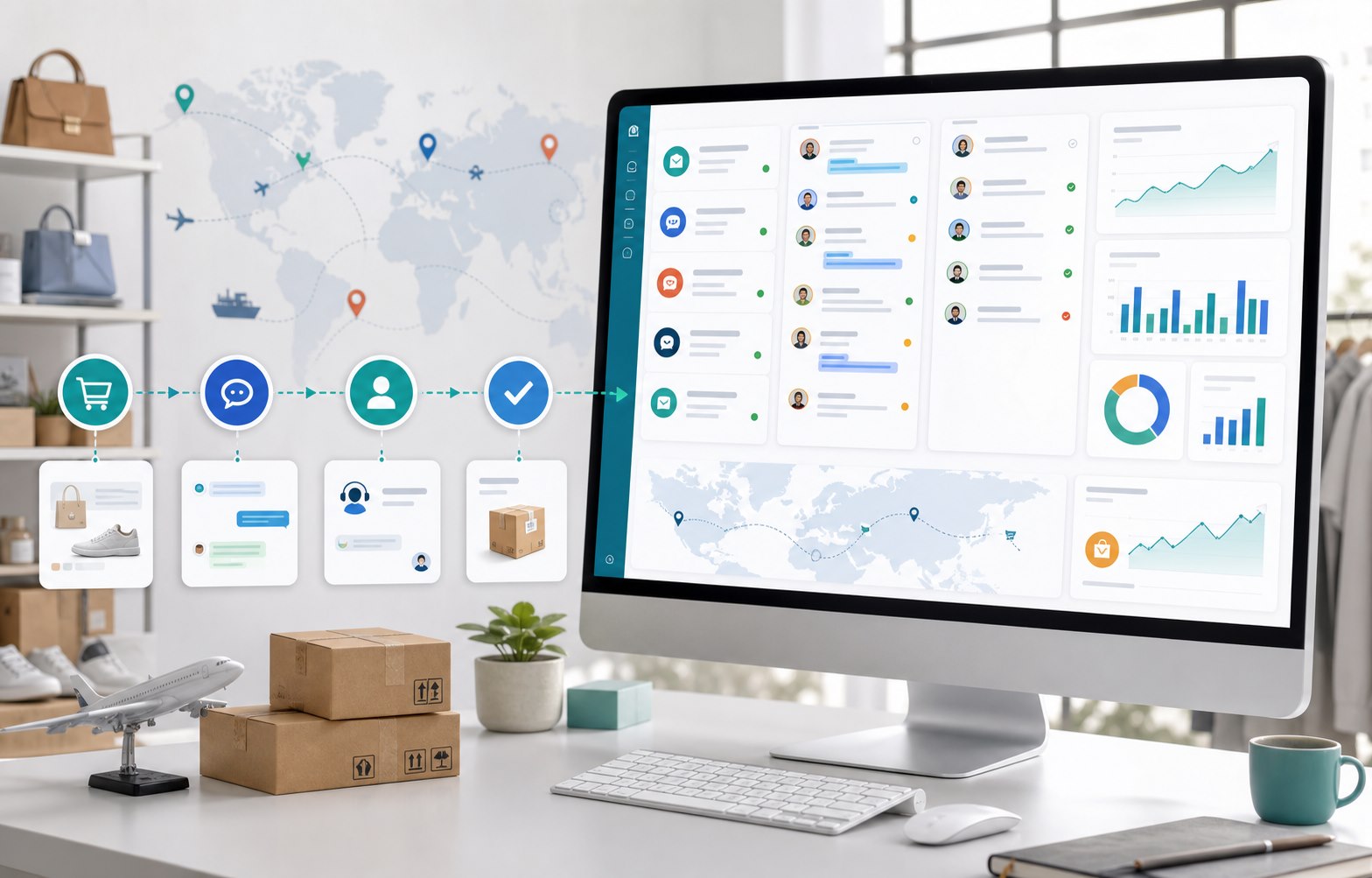
Sales teams often divide permission-based conversations by market, product, or operator. Without shared visibility, the same inquiry can be handled twice while another receives no follow-up.
Group authorized accounts by market, route each inquiry to a clear owner, use translation when needed, and review unassigned or delayed follow-up from one workspace.

International support teams need to coordinate several accounts, languages, shifts, and escalation paths. Private handoffs and separate translation tools make the customer experience inconsistent.
Bring conversations into a shared view, assign one current owner, preserve context during handoffs, translate incoming and outgoing messages, and let managers review queue pressure.

Agencies and distributed teams need clear boundaries between client accounts, operators, tasks, and reporting. As the account list grows, spreadsheets make ownership and status difficult to verify.
Create distinct account groups, map operators to their assigned scope, standardize daily checks, and monitor exceptions across every client or market from the same control layer.
Solutions by pain point
Start with the problem your team feels every day. Each path leads to a focused workflow, practical guidance, and the GoCloud capability that supports it.
Test one workflow freeCentralize account status, grouping, and ownership so operators stop switching between disconnected environments.
See the account solutionAssign conversations and make current ownership visible to operators and managers.
See the team inbox solutionTranslate incoming messages and outgoing replies without copying every exchange into a separate tool.
See the translation solutionUse one operating view for account status, assignments, daily work, and exceptions that need intervention.
See the cloud-control solutionImplementation blueprint
Start with the authorized account group and operating scenario that matters most, build a repeatable rhythm, and expand from a working foundation.
Discuss Your Setup
Guided workflow planning
Share your current account structure, operator roles, handoff rules, and daily bottlenecks. Our team will help you choose a focused starting point for the trial.
Choose a starting point
Start with a 7-day trial and 5 active ports. Translation characters can be added separately when needed.