WhatsApp cloud control
Bring multi-account operations into one cloud workspace.
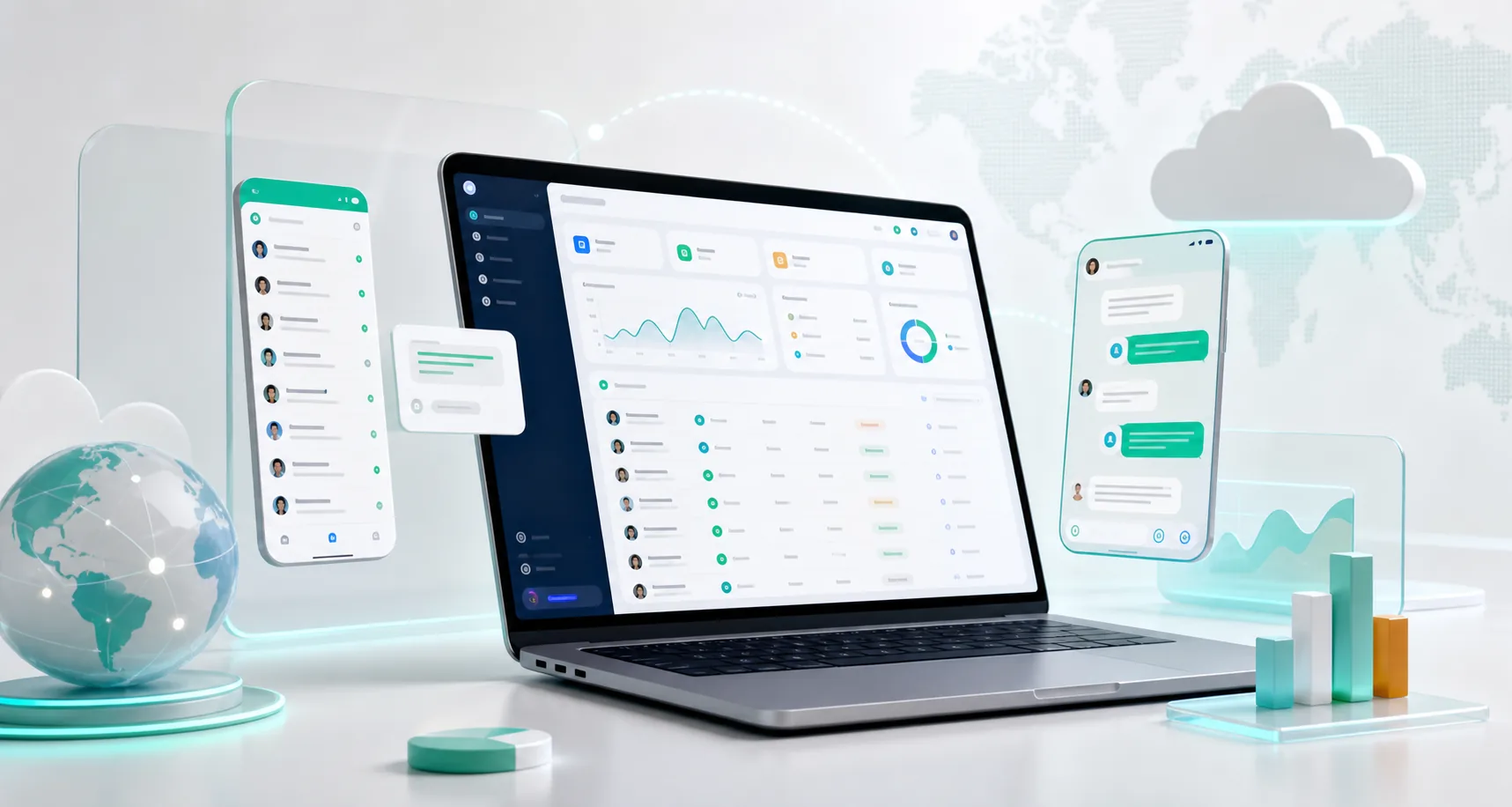
GoCloud helps teams replace scattered device switching with shared account visibility, operator ownership, customer conversations, translation, and structured daily work.
5 trial ports7-day accessNo card required
Why teams use it
Turn account visibility into coordinated daily action.
As account volume grows, a spreadsheet can show names and status, but it cannot coordinate ownership, conversations, and daily execution. GoCloud places those operating details in one shared workspace so managers and operators work from the same context.
See account activity sooner, assign responsibility clearly, and keep customer conversations moving when work changes hands.
Core capabilities
What a GoCloud workspace brings together.
Account visibility
Organize authorized accounts and review their status from one operating view instead of checking separate devices.
Operator assignment
Give each team member clear account and conversation ownership while managers keep visibility.
Conversation workspace
Handle permission-based customer conversations with clearer context, ownership, and support handoffs.
Two-way translation
Translate incoming messages and prepared replies inside the operating workflow.
Daily task structure
Turn repeated checks and customer follow-up into a more consistent team process.
Growth path
Start with essential controls, then expand ports, translation capacity, deployment, or approved workflow rules.
Typical setup
Launch the workflow in five clear steps.
Move from workspace setup to coordinated daily operation without changing the way your team serves customers.
- Create a workspaceRegister, sign in, and prepare your operating environment.
- Connect accountsAdd your existing accounts or continue from purchased resources.
- Organize and assignGroup accounts and define operator responsibility.
- Handle conversationsWork from shared context with translation where needed.
- Review and expandAdd ports, translation, or deployment options as your operation grows.
Cloud control FAQ
Questions before starting.
Short answers for teams evaluating the operating model.
What is WA cloud control software?
It is a shared operating workspace that helps a team organize multiple WA accounts, operator ownership, conversations, status visibility, and repeatable daily work.
Who is GoCloud designed for?
Teams managing several WA accounts, multiple operators, international conversations, or regular customer-service handoffs.
Can I test GoCloud before purchasing?
Yes. The 7-day trial includes 5 active ports. Translation characters are available separately.
Start your shared workspace
Give your team a clearer control center for 7 days.
Connect up to 5 active accounts, assign real work, and experience a more organized daily workflow.