Group accounts
Organize accounts by country, business line, support team, source, operator, or operating status.
WhatsApp multi-account management
Group accounts, monitor status, assign operators, and keep daily work visible from one shared GoCloud workspace instead of switching between phones and browsers.
The operating problem
When each account belongs to a different device, browser profile, or person, the manager spends time asking who owns it, whether it is active, and what needs attention. That friction grows faster than the account count.
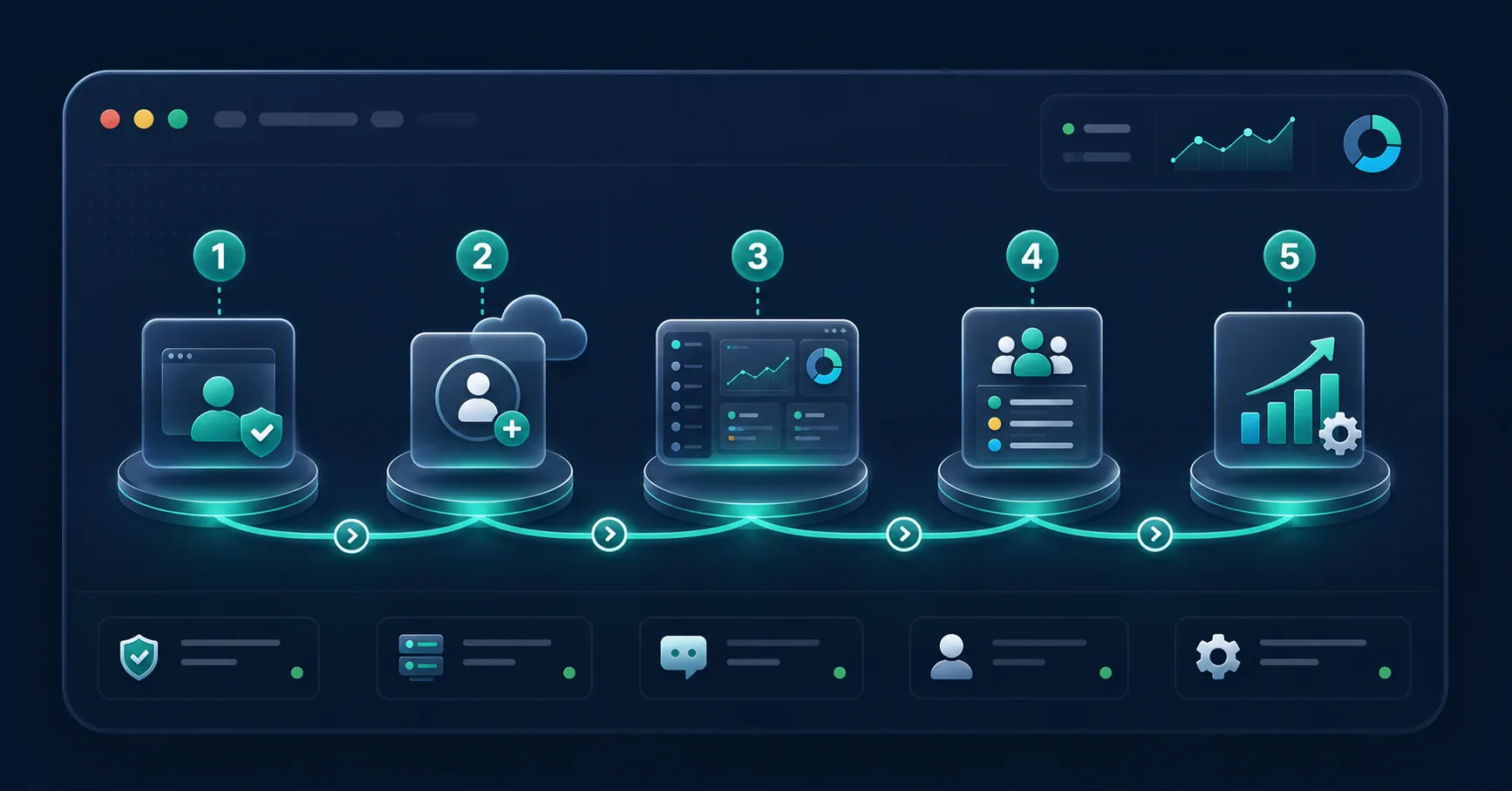
GoCloud creates a shared operating layer. Accounts can be organized around region, team, operator, status, or business use so day-to-day work is easier to understand and hand over.

A clearer account structure
Organize accounts by country, business line, support team, source, operator, or operating status.
Make it clear which operator owns an account or conversation and when a handoff is needed.
Use one operating view to spot accounts that are ready, waiting, disconnected, or require review.
Give the team a repeatable process for account checks, customer follow-up, and escalation.
Before GoCloud
With GoCloud
Multi-account FAQ
Yes. GoCloud is designed to organize multiple accounts in one workspace and make account status, grouping, and operator ownership easier to manage.
GoCloud is designed to reduce device sharing by giving operators access to assigned work through a shared browser-based workspace.
Add accounts in controlled groups, confirm status and ownership, then expand after the team has validated the daily workflow.
Start with a small account set
Bring up to 5 active accounts into one workspace and turn scattered daily work into a repeatable team process.