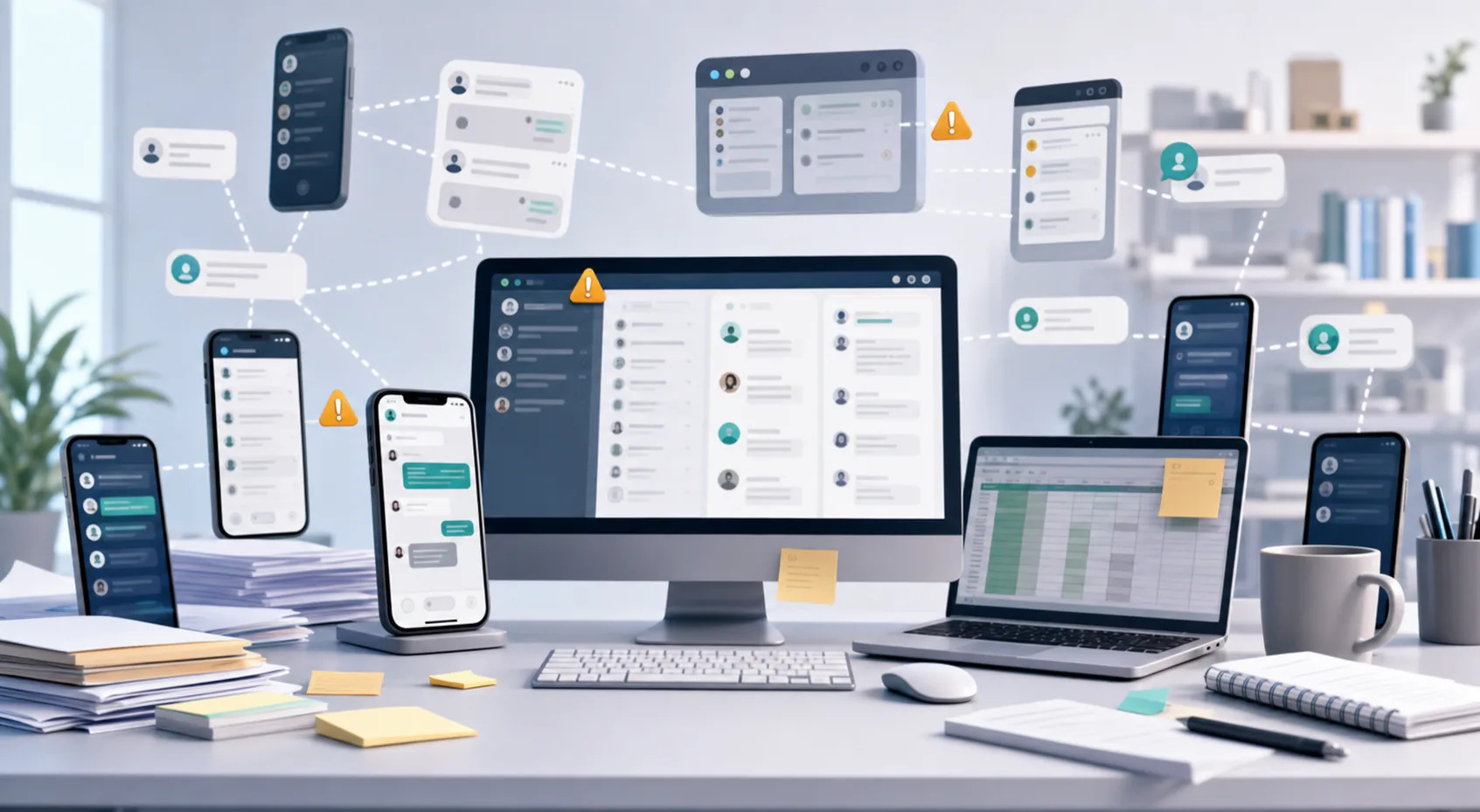
What a health check should reveal
A useful account review is not a long technical audit. It is a fast operating check that answers four questions: Which accounts are ready? Who owns each one? Which conversations or tasks need attention? What changed since the previous shift?
Keep the status language small and consistent. Terms such as ready, assigned, attention needed, paused, and under review are easier to act on than free-form notes.
- Review only signals that change the team's next action.
- Give every exception one owner and one next step.
- Record status in the shared workspace, not in private messages.
Run five checks before operators begin
- Confirm account availabilityIdentify accounts that are ready, paused, or require review before work starts.
- Verify account ownershipMake sure each active account belongs to the correct team, market, and operator group.
- Review unfinished conversationsCarry forward customer replies, escalations, and promised follow-up with context.
- Check workload coverageCompare active conversations with the operators available for the shift.
- Publish the priority listMake exceptions and urgent follow-up visible before routine work begins.
Manage exceptions during the day
Managers do not need to watch every account continuously. They need a dependable exception view. Focus attention on accounts whose status changes, conversations with no owner, delayed replies, overloaded operators, and handoffs that have not been accepted.
When an exception appears, capture the owner, action, and review time. This turns the dashboard into a decision tool instead of another passive report.
Close the day without losing tomorrow's context
Before the shift ends, confirm unresolved conversations, accounts that should remain paused, tasks promised for the next window, and ownership changes. A concise closing note should tell the next team what matters without forcing them to reconstruct the day.
Review recurring exceptions weekly. If the same account or handoff fails repeatedly, improve the operating rule instead of adding more reminders.
Run the checklist from one GoCloud workspace
GoCloud brings account grouping, status, operator ownership, conversations, and daily work into one operating view. Teams can use the same checklist across markets and shifts while managers concentrate on exceptions.